NEW 0.9.9 Remote sound, Wake-on-LAN and Mac control

Every computer you own, one tap away.

Control any PC or Mac from your desk or your phone. Encrypted end to end, smooth on any connection, and simple enough for the people you help.

Windows · macOS · Android · iPhone & iPad — free for personal use

WindowsControl · be controlled
macOSControl · be controlled
AndroidControl · share the phone
iPhone & iPadControl · show the screen
End-to-end encryptedEvery session
Hardware videoSmooth motion, sharp text
Features

Everything you need at the remote PC. Nothing in your way.

4

platforms, one app and one ID system

TLS 1.3

end-to-end encryption on every session

12

session tools, one tap away on every device

0

accounts needed to start helping someone

Smooth, even on hotel Wi-Fi

Hardware video for motion, pixel-exact text when the screen is still. ZookaLinx connects directly whenever it can — same network or straight through both routers — and switches to a low-bandwidth mode by itself when the link gets slow.

Direct connectionHardware H.264Auto low-bandwidth
Encrypted end to end

Only the two devices hold the keys. Every new connection is approved at the PC first.

Team sessions

Invite a colleague with a one-time code, chat, pass control back and forth, or hand over and leave.

Files & clipboard

Drop files on the screen to send them. Copy on one device, paste on the other — phone included.

Hear the remote PC

Alerts, videos and calls play where you are, in high-quality Opus audio.

Wake-on-LAN

A sleeping PC shows Wake up. One tap and it is back online.

Unattended access

Set a password on your own PCs and phones and reach them any time, even at the sign-in screen and after a restart.

Pro tools built in

TerminalPC healthSession recordingCopy text from screenRemote restartBlock inputMulti-monitor
See it in action

One app for every screen in your life.

Zook the lizard clicking across a laptop, a monitor, a tablet and a phone linked by light
Remote control

Drive any device as if you were sitting at it

Every keystroke, every click, every monitor. ZookaLinx streams the screen as hardware video while it moves and pixel-exact when it stops, so text stays sharp and scrolling stays smooth.

Multi-monitor60 fpsPixel-exact text
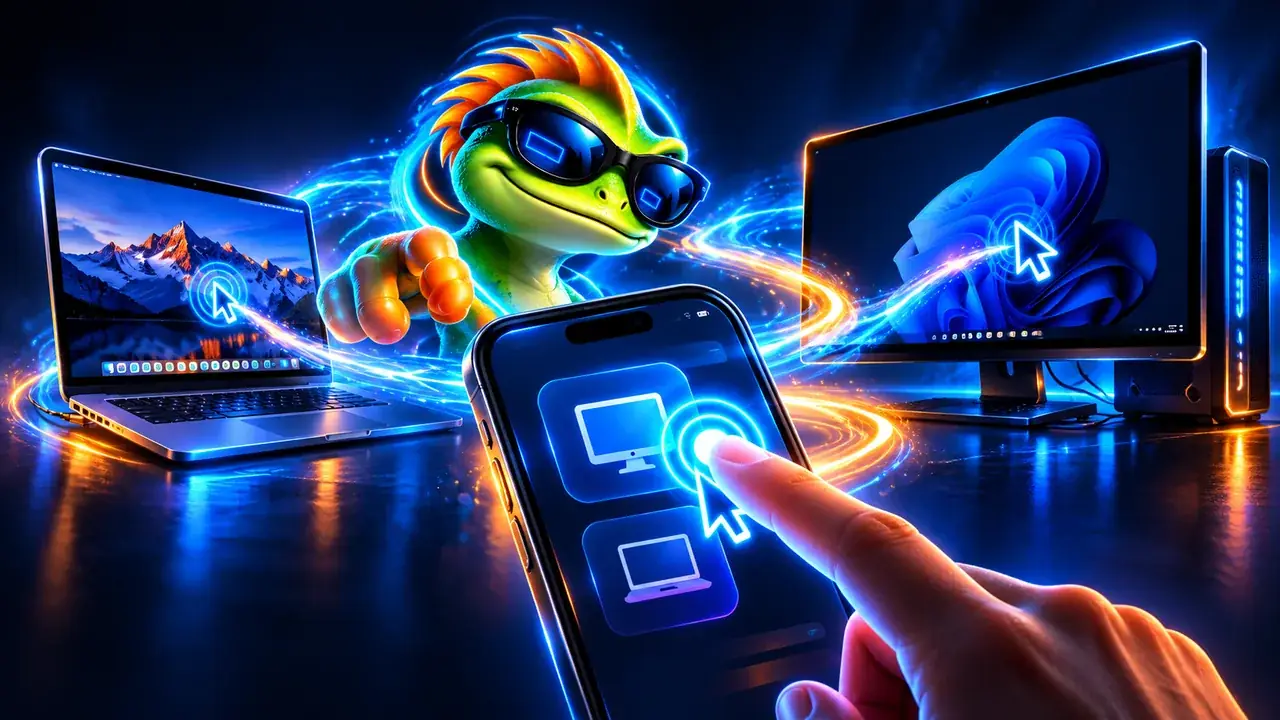
A hand tapping a phone that controls a laptop and a desktop PC
From your phone

Your whole office, in your pocket

The phone app is a full remote: touch or trackpad mode, a real keyboard with every shortcut, the terminal and PC health a tap away. Fix the office PC from the train.

iPhone & iPadAndroidTrackpad mode
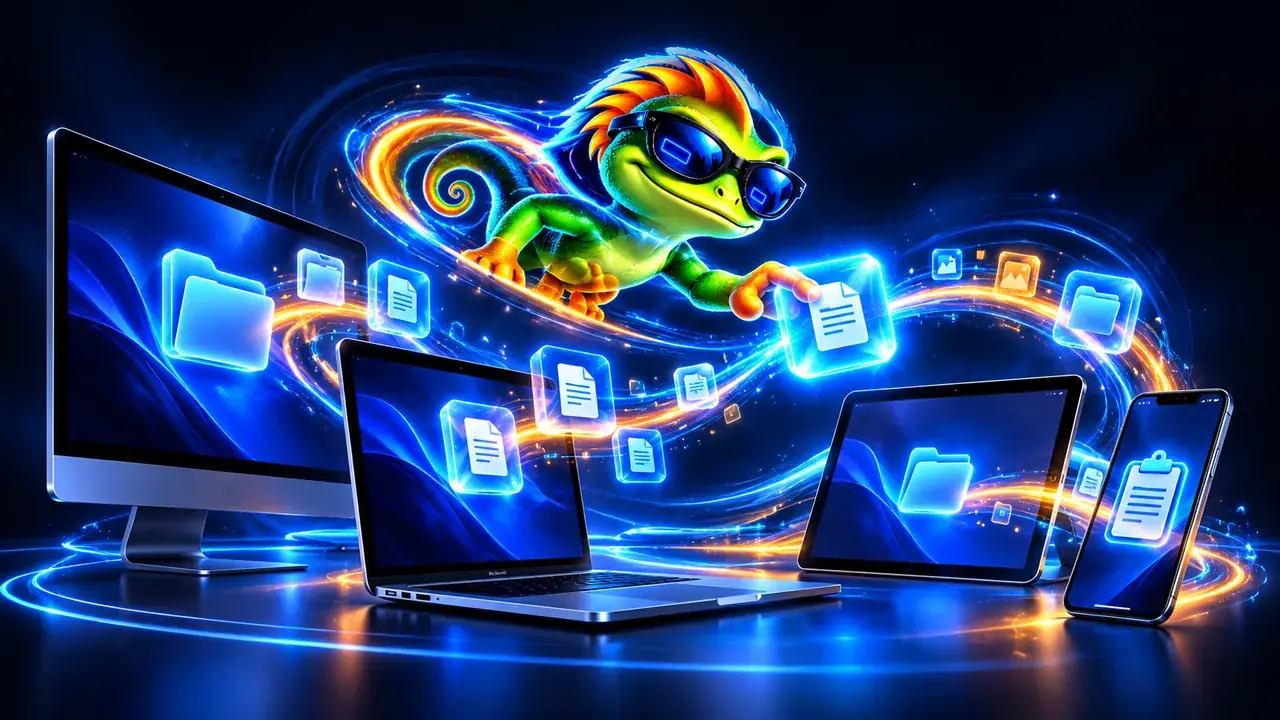
Files and folders flying between a laptop, monitors and a phone
Files & clipboard

Files move as fast as your connection

Drop files on the remote screen to send them, or copy on one device and paste on the other — folders included. Big transfers resume where they stopped.

Drag & dropClipboard syncResume
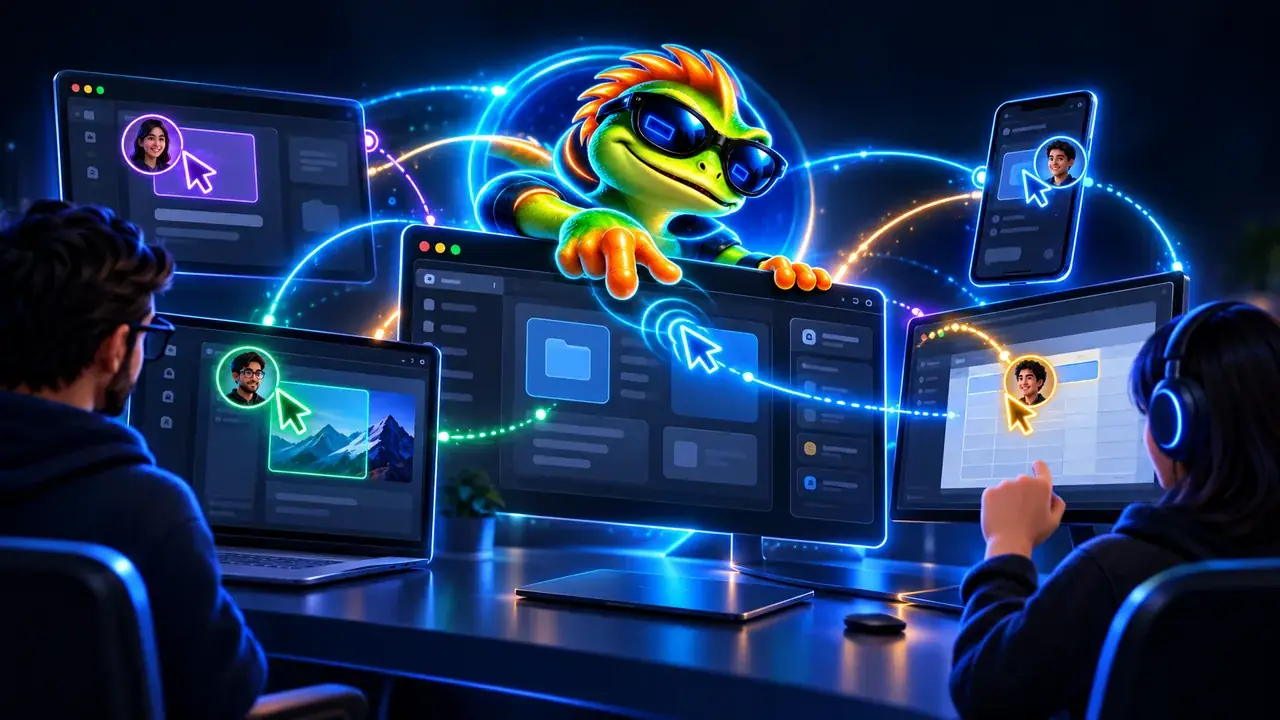
Two technicians working together on screens shared in a session
For teams

Help people together, not alone

Invite a colleague into the session with a one-time code, chat, pass control back and forth, then hand over and leave. Business plans add a branded Quick Support download for your customers.

Team sessionsQuick SupportAdmin console
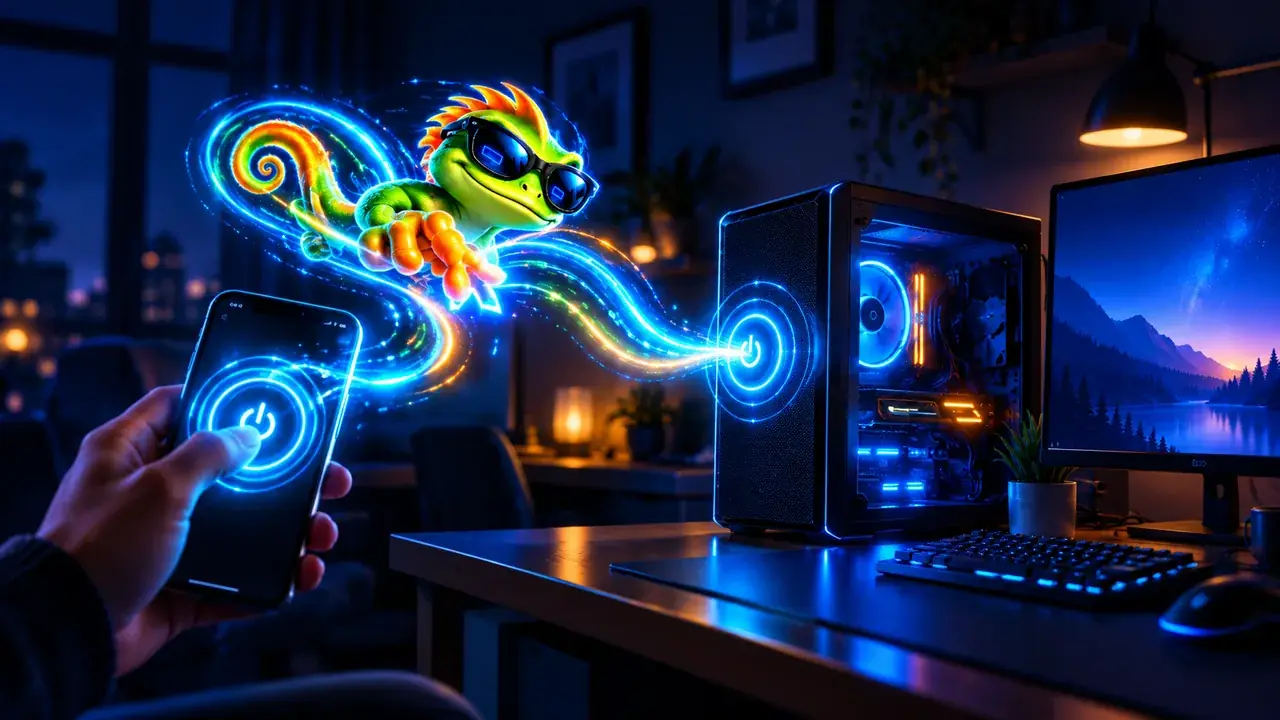
A hand tapping the power button on a phone to wake a desktop PC in a dark room
Always reachable

Wake it up from anywhere

A sleeping PC shows Wake up. Signed in to your account, ZookaLinx asks another of your devices on that network to wake it — even from the other side of the world.

Wake-on-LANUnattendedTwo-step code
How it works

Connected in under a minute

01

Install on both devices

A quick download for Windows or Mac, or the app on your phone. No account needed to start.

02

Type the device's ID

Every device gets its own ID. Type it in, or pick the device from your list.

03

Accept, and you're in

The person at the PC sees who is asking and chooses what to allow: mouse and keyboard, files, or just viewing.

Security

Nobody gets in without a yes.

The relay that connects your devices only passes encrypted traffic along — it can't see your screen, keystrokes or files.

  • End-to-end encryptionKeys live only on the two devices.
  • Security codeCompare it with the person at the PC to rule out interception.
  • Trusted devicesRecognised by their device key, not just an ID.
  • Lock when you leaveThe PC locks itself when the session ends, even if the connection drops.
  • Privacy screenBlack out the remote monitors while you work; you still see everything.
  • Two-step codeUnattended access can ask for an authenticator code on top of the password.
Zook, the ZookaLinx lizard in sunglasses, leaning on the ZookaLinx logo
Meet Zook

Quick hands. Cool head.

Zook is the face of ZookaLinx — the friendly lizard who reaches any screen in a flash. Serious about security, never stuffy about it.

Anywhere

Your devices, one ID away — wherever you are.

Direct when it can, through our relays when it must, and every byte encrypted end to end.

Free for personal use. Ready for business.

Start in a minute on your own devices. Upgrade when your team needs more.